> For the complete documentation index, see [llms.txt](https://workmate.gitbook.io/workmate-changelog/llms.txt). Markdown versions of documentation pages are available by appending `.md` to page URLs; this page is available as [Markdown](https://workmate.gitbook.io/workmate-changelog/updates/jan-12-2026.md).
# Jan 12, 2026
26.1.12
### (New) Customer Items Module
**Customer Item Creation**\
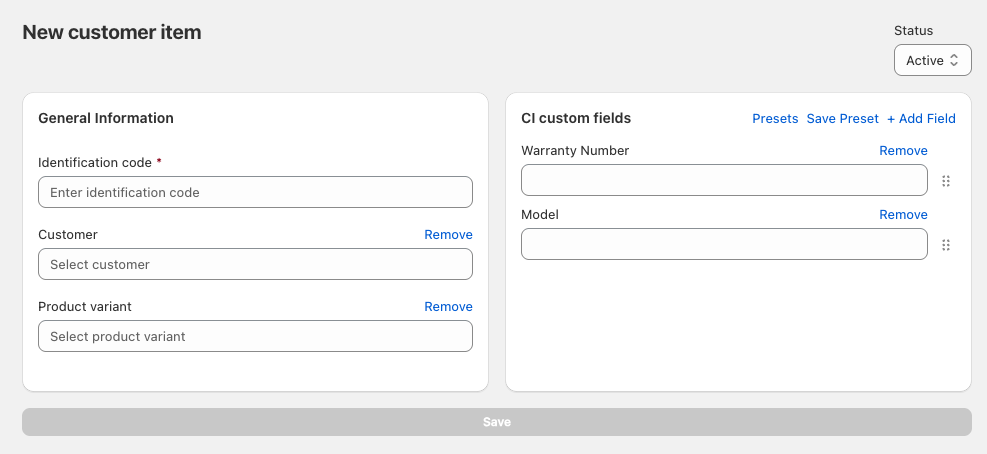
Create and manage customer items directly in the module. Track equipment, devices, or products under service agreements in one centralized location. Maintain detailed records of items owned by your customers and build a complete asset management system.
**Link Customer Items to Work Orders**\
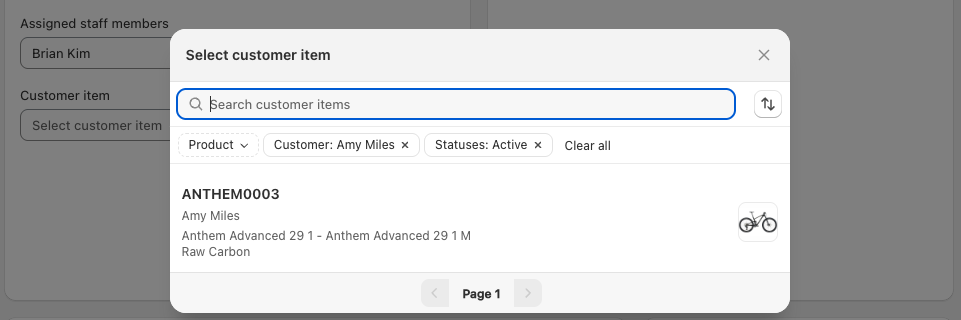
Link products to work orders for by adding them into the customer items field. This field allows for customer items to be tracked and added to relevant work orders.
Serialized items are now automatically added to the Customer Items module when sold. No more manual entry or items falling through the cracks in your tracking system.
**Work Order History Display**\
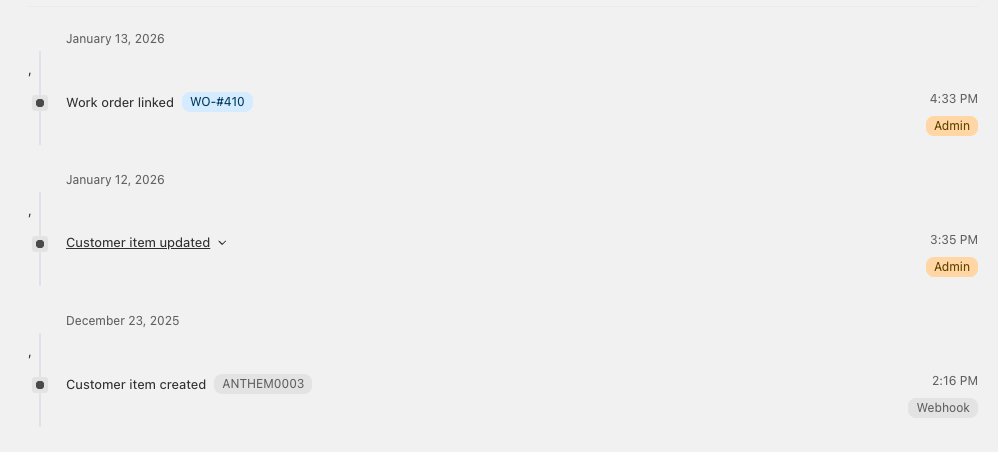
View complete work order history directly on the customer item page without navigating through multiple screens.
**Custom Fields Support**\
Add custom fields to customer items to capture warranty dates, installation locations, maintenance schedules, regulatory compliance data, or any business-specific information you need. Create presets for customer item custom fields. Define templates for common item types with pre-configured fields to speed up data entry.
**Bulk Archive Functionality**\
Select and archive multiple customer items at once when cleaning up after contract completion or equipment returns.
### Work Order Module
**Save Filtered Views**\
Save custom filtered views on the Work Order Dashboard. Build personalized views that display exactly what you need without reapplying filters each time.
**Payment Link in Flow Trigger**\
Payment links are now automatically generated and can be sent using WorkMate print templates. Customer can pay from Work Order print templates through a link that sending them to an online payment page. If they pay for the order it will automatically update on the Shopify order and in the WorkMate Work Order
**Internal and External Custom Fields**\
Choose which line item custom fields appear on receipts and in the Shopify POS cart. Control what information customers see versus what stays internal.
### Purchase Order Module
**Save Filtered Views**\
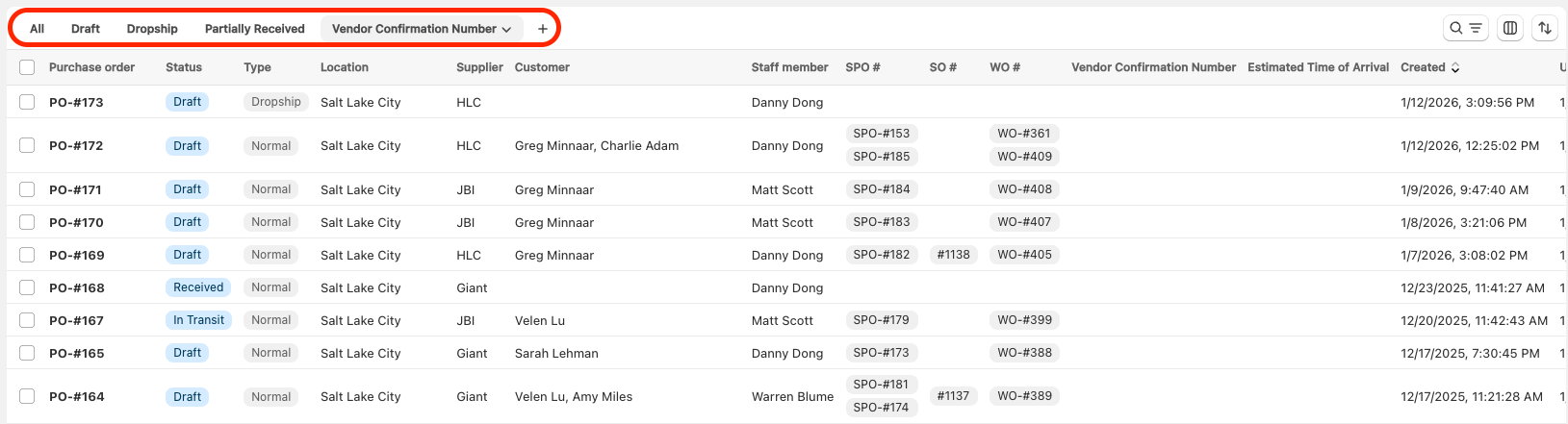
Save filtered views for common scenarios like pending approvals, vendor-specific orders, or items awaiting receipt.
**Inventory Levels and Quantity Counter**\
Purchase order line items now show current inventory levels and quantity counters. See real-time stock levels and the ordered quantity to easily update the item quantity and view relevant information.
#### Serial Module
**Export Serial Numbers**\
Export serial numbers for regulatory reporting, warranty tracking, audits, or integration with external systems.
### **Comprehensive System Improvements**
This release includes extensive bug fixes and minor enhancements across multiple modules, including schedules, serials, purchase orders, rentals, work orders, employee management, add-ons, POS and admin services, price overrides, and payment systems. These improvements ensure greater system stability and enhanced user experience across all platform components.