> For the complete documentation index, see [llms.txt](https://workmate.gitbook.io/workmate-changelog/llms.txt). Markdown versions of documentation pages are available by appending `.md` to page URLs; this page is available as [Markdown](https://workmate.gitbook.io/workmate-changelog/updates/feb-2-2026.md).
# Feb 2, 2026
26.2.2
### Work Order Module
**Custom Products and Creating Products from a Work Order**
Create products in work orders and assign a vendor during creation. Products automatically create a product in Shopify and can be sourced through special orders.
Track sourcing and vendor relationships directly from the work order screen while bridging your custom product workflow with your Shopify catalog.
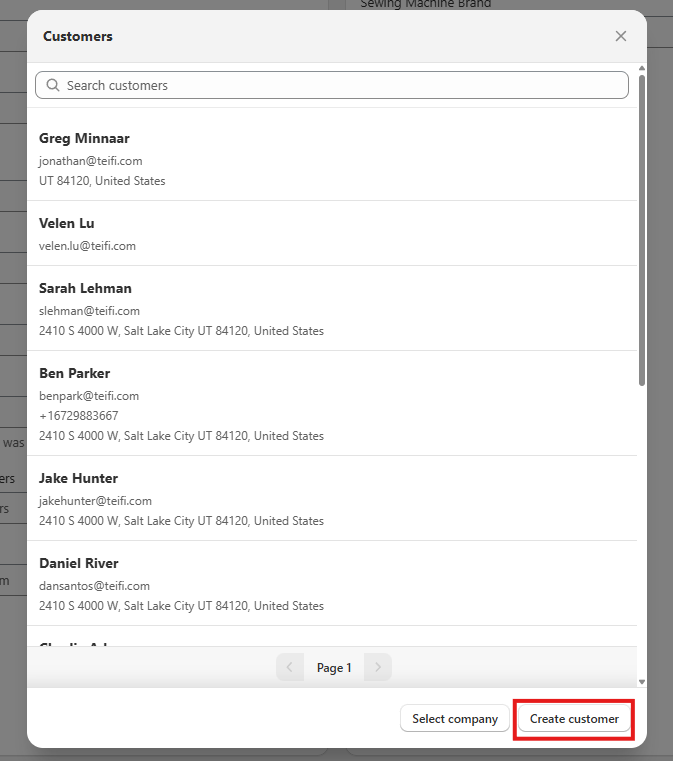
**Create Customers from a Work Order**
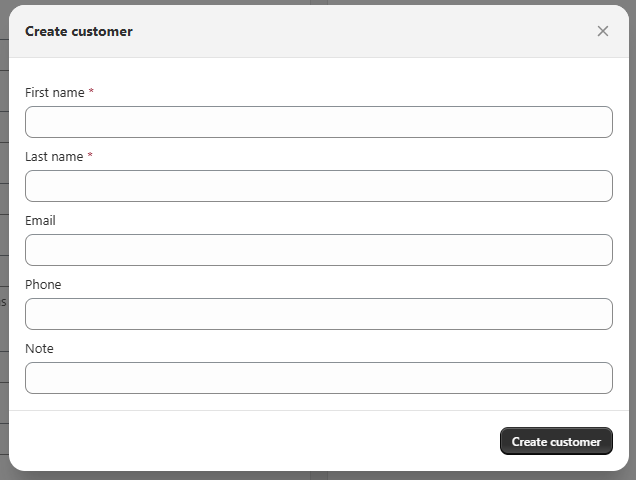
Create new customers directly from the work order screen on both POS and admin. No need to create the customer on Shopify before entering the Work Order.
Configure their first name, last name, Email, Phone Number, and Note.
**Filter by Related Orders**
Filter work orders by searching for associated Purchase Orders, Special Orders, and Transfer Orders. Quickly locate work orders based on their connected resources.
### Purchase Order Module
**Filter by Related Orders**
Filter purchase orders by associated Work Orders, Special Orders, and Shopify Orders. Quickly locate purchase orders based on their connected resources.
### Special Order Module
**Filter by Related Orders**
Filter special orders by associated Purchase Orders, Work Orders, and Shopify Orders. Quickly locate special orders based on their connected resources.
### Transfer Order Module
**Reserve Pending Line Items**
Reserve line items with pending status on transfer orders. Lock inventory for transfers before items are fully available.
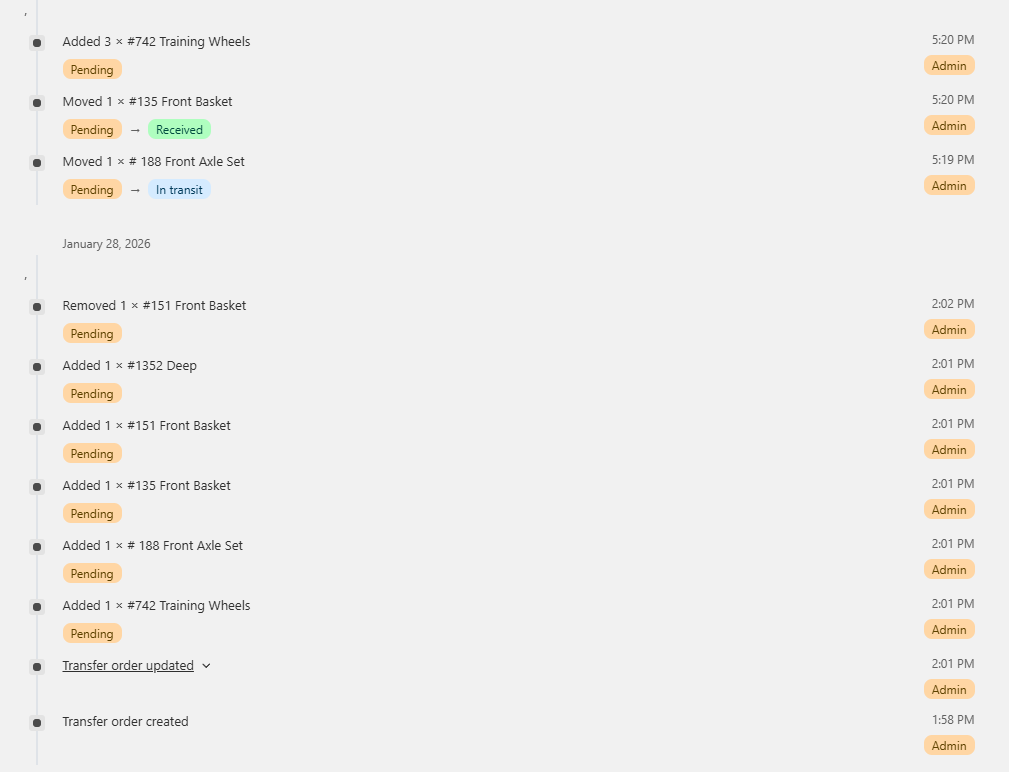
**Transfer Order Timeline**
View a complete timeline of all actions taken on transfer orders. Track when orders are created, modified, sent, received, and completed. See who made changes, when inventory was reserved or released. Full visibility into inventory movement between locations with a documented audit trail of every action.
### Schedule Module
**View Products and Services in Schedule**
See the products of a work order directly in the schedule view. Quickly identify what services and products are associated to a schedule event without having to navigate back to the Work Order.
### Printing
**Direct Printing for Work Orders, Purchase Orders, and Transfer Orders**
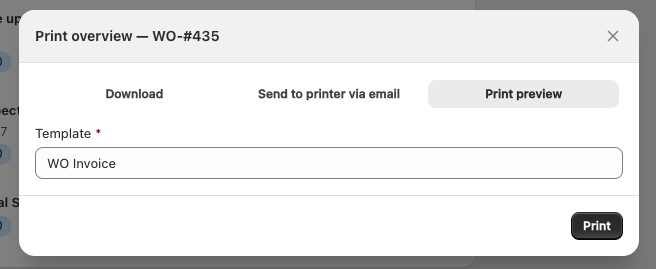
Print work order, purchase order, and transfer order templates directly from both Admin and Shopify POS without extra steps.
A new print option in the print menu sends documents straight to your printer using the browser's print API. Streamline your workflow whether you're processing orders at the counter or managing inventory in the back office. Works across Safari and Chrome for maximum compatibility.
### **Comprehensive System Improvements**
This release includes extensive bug fixes and minor enhancements across multiple modules, including schedules, serials, purchase orders, rentals, work orders, employee management, add-ons, POS and admin services, price overrides, and payment systems. These improvements ensure greater system stability and enhanced user experience across all platform components.